- Setup & Content: Choose a Roku app development path, set up your video CMS, and organize your VOD or live catalog.
- Customization and Monetization: Design custom UI and configure flexible video monetization models like SVOD, AVOD, or TVOD.
- Test and Deploy: Run rigorous QA and then deploy in the Roku Channel Store.
- Investment:The cost to build a Roku app ranges from $15,000 to $50,000
- Timeline:Takes anywhere from 2 days to 6 months depending on your chosen development path.
90 million active streaming households account for 145 billion hours of viewing time in 2025. This shows that to capture the audience in the Connected TV market, you need your own dedicated app across top streaming devices, beyond a great content strategy.
There are currently 41,865 free apps on the Roku Channel Store, meaning it is critical to have a presence on the platform to draw in high-intent viewers and maximize monetization.
If you want to build a Roku app that stands out in today’s crowded ecosystem, you need to have a solid understanding of how the Roku TV app development process works.
You could be a content owner, an enterprise broadcaster, or an OTT media brand; this guide breaks down everything you need to know about Roku app development, starting from build vs buy to Roku architecture, key features, and how to launch your own Roku app. Let’s get started.
- Fully Customizable
- Lifetime Ownership
- On-Premise/On-Cloud
- 100% White-label
- Zero Revenue Share
- Hire Developers
What Is a Roku TV App?
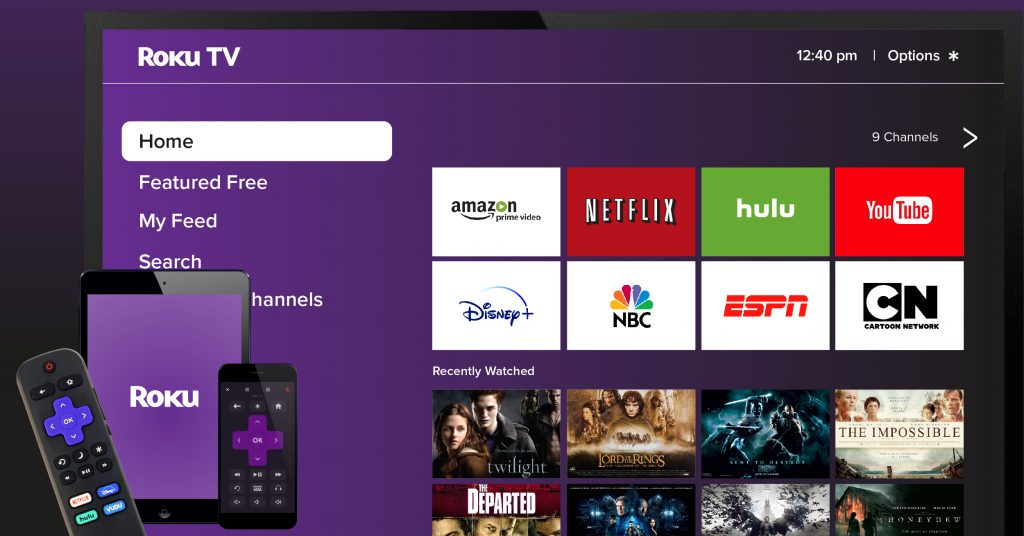
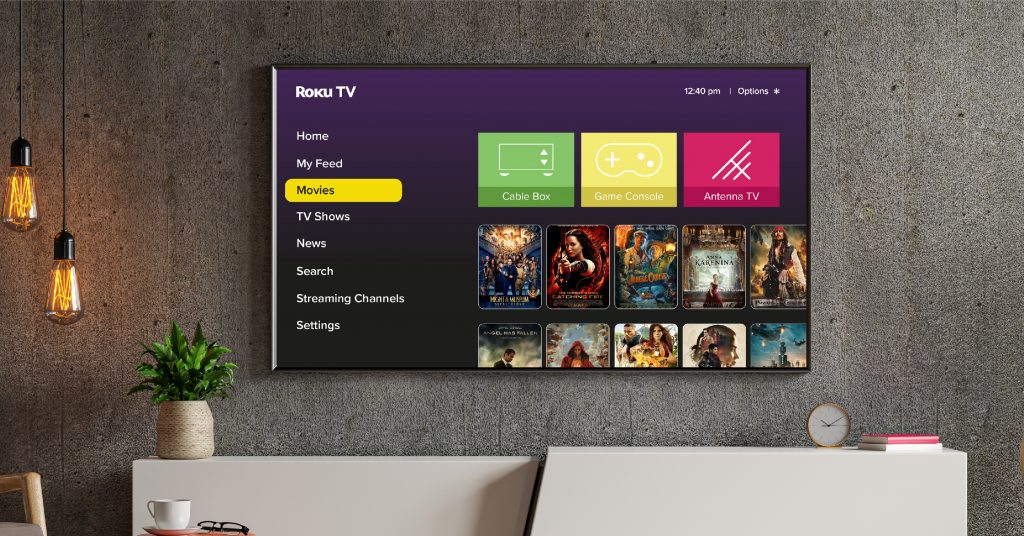
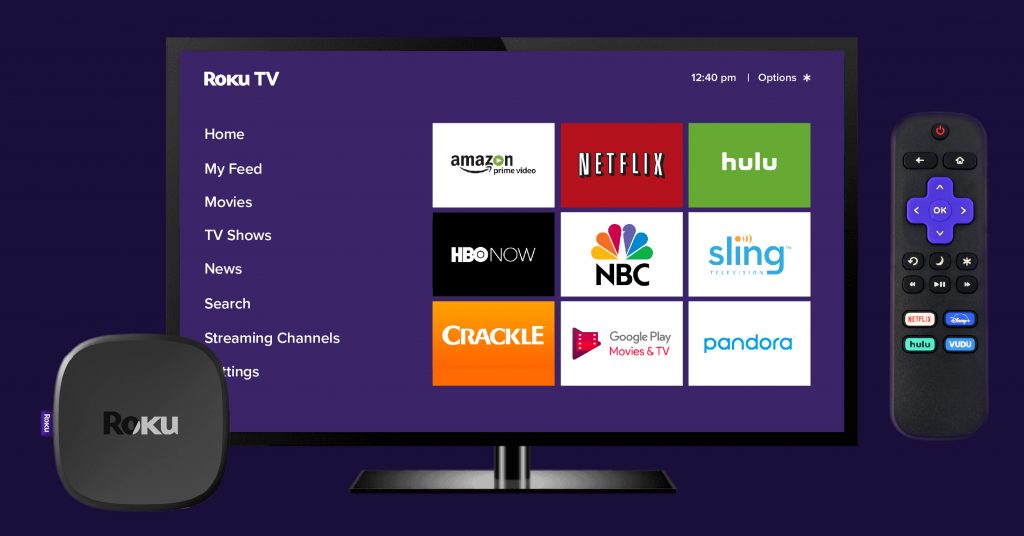
Roku TV app is a software application built for the Roku platform that lets you stream videos such as on-demand videos, movies, TV shows, and live TV on your television through OTT solution. It is also simply known as a channel on the Roku platform.
These Roku apps fall into the following categories:
- On-Demand Channels: SVOD services such as Netflix, Prime Video, or Disney+ that offer access to their library, such as movies and series.
- FAST & Ad-Supported Channels: AVOD and Free Ad-Supported Streaming TV apps such as Tubi, Pluto TV, and the platforms’ own channels, such as The Roku Channel, in which the content is monetized by ads.
- Niche & Enterprise Branded Channels: Independent content owners, fitness instructors, or media brands that need custom channels to deliver their video content to niche audiences.
How Does Roku TV Work?
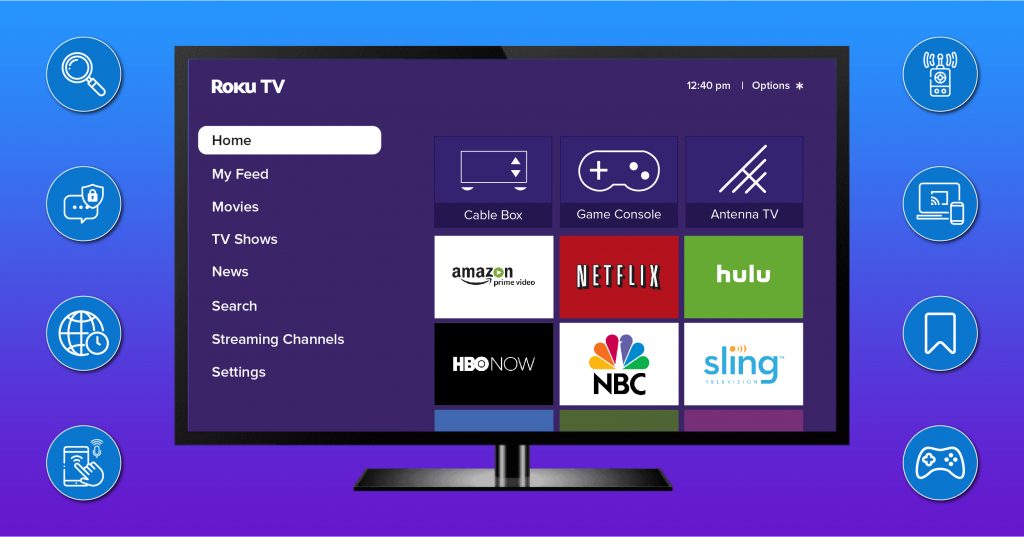
Behind the technology that brings Roku TV to you, there is an app-based interface that is managed through a centralized single home screen. It features a simple and intuitive main menu with quick access to the viewer’s favorite OTT streaming services.
The Roku TV ecosystem is easy to set up.
- Roku device (Roku stick or set-top box) is connected to the TV via HDMI ports and plugged into a power source.
- It is then connected to the home Wi-Fi connection
- The user can register or create a Roku account at the Roku Official Site when setting up.
Hardware and Traditional Entertainment Inputs:
Depending on the hardware configuration, the Roku system can also accommodate traditional entertainment inputs like:
- External Devices (Roku TVs): The Roku-powered Smart TV allows viewers to easily connect additional devices, such as cable boxes, DVD players, or gaming systems via the TV’s HDMI inputs.
- Live TV Antennas: The user can also plug an antenna into the coaxial port of the Roku TV. Viewers can use this to access a unified live TV channel guide that is a combination of local channels and free streaming apps.
How Does Content Discovery Work?
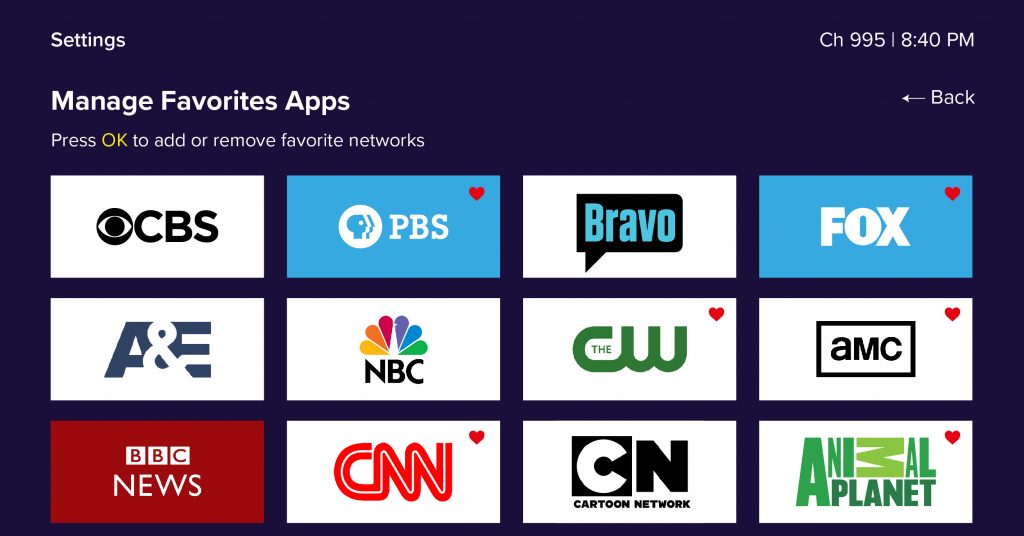
The Roku Channel Store is the main way consumers discover content. It is an on-screen store in which most Roku TV apps are free to download. Certain individual services might require a subscription or login credentials.
Roku’s Development Frameworks
Under the hood, Roku’s streaming experiences are powered by a host of proprietary frameworks, such as BrightScript and SceneGraph. These systems enable broadcasters to build Roku apps quickly and easily scale them up for the huge customer base of the channel.
Why Build a Custom Roku TV App?
Launching a dedicated Roku TV channel offers distinct strategic advantages such as audience acquisition, brand control, and revenue generation. Here is a deeper look into the benefits:
Massive Audience Reach
Roku dominates living rooms as the top-selling TV operating system in multiple countries, giving you instant access to millions of active viewers who spend billions of hours streaming content every month.
If you have your own Roku app, your media will be right at your fans’ fingertips. Whether you stream on-demand videos or broadcast a 24/7 linear channel, it acts as an organic discovery engine that helps you capture loyal followers you wouldn’t reach through social media alone.
Improved Access to Your App Users
Once you have people download your app, you will not have to compete with the crowd of social feeds. You have a direct and uninterrupted line of communication with your inner circle. It makes it easier to keep them engaged with push notifications, fresh updates, and personalized viewing paths once you create your own TV app.
Flexible Monetization
When you have your own Roku app, you have the luxury of not having to stick with a single business model. You can easily embed subscriptions (SVOD), ad-supported video (AVOD), pay-per-view (TVOD), or even simple in-app purchases. Roku Pay is Roku’s proprietary payment system, providing a secure and convenient payment solution to its audience.
Content & Affordability
Creating your own Roku TV app enables you to package, set costs, and distribute your library of content as you choose. You will be able to enjoy the highest cost efficiency without spending a lot on revenue-sharing fees from third-party hosting networks, saving you money and boosting your bottom line.
Better Interface & User Control
Rather than using someone else’s template, building a custom Roku app will allow you to create a unique brand identity by using custom layouts, category menus, user profiles, and seamless navigation.
Low Barrier to Entry
Custom Roku app development doesn’t require a huge enterprise budget. Turnkey OTT solutions and advanced development tools make it easier and quicker to launch a fast and successful TV application than ever before.
Custom Development vs. White-Label Platform: Which Path Fits?
The most important technical and financial consideration for creating your own TV channel is the build or buy decision. Roku app development can take two different paths for content creators and media companies: creating a custom app from scratch, or taking advantage of an existing SaaS solution.
Leverage Dedicated Roku App Developers for Custom Builds
Creating a custom app from scratch involves recruiting engineers or a Roku app development company to write the app code that is compatible with Roku’s native SDK, BrightScript, and SceneGraph frameworks.
- Source code control: You’re in absolute control of the whole tech stack, which means you have the freedom to design custom user experiences.
- Flexible hiring: Scale up and down your development team according to your product roadmap.
- The Trade-off: It involves a lot of up-front investment, a long development process that can take months, and an internal burden on the developer to handle bug fixes, App Store certification updates, and maintenance.
Utilize a Branded Over-The-Top (OTT) Turnkey Solution
Another way to do this is to work with an all-in-one white-label OTT service provider,acting as your roku channel builder so that you don’t need to write code.
- Faster time-to-market: Pre-integrated video players, content management systems (CMS), global CDNs, and monetization engines allow you to get your Roku application on the market in days or weeks.
- Cost-efficiency: You save on costly up-front software engineering expenses with the use of a tried-and-tested framework.
- The Trade-off: You retain full visual branding capabilities (logos, layouts, color themes) but some deep architectural capabilities in the backend may be limited to the provider’s pre-packaged architecture.
Although there is a middle ground: the hybrid alternative
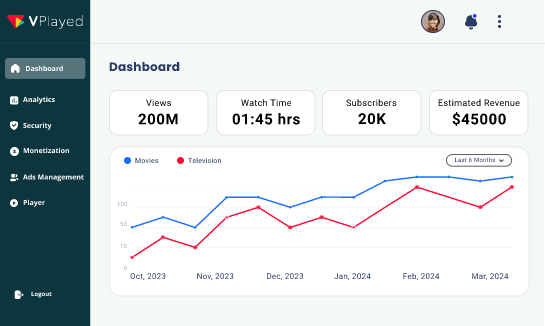
So, if you are looking for the best of both worlds, you can use a customizable white-label streaming platform like VPlayed. VPlayed offers an all-in-one solution built with all the features you desire and without all the restrictions of rigid software – all without the cost or pain of building your own OTT solution from the ground up.
It provides you with platform ownership, source code access, no revenue sharing and has its expert team manage the tedious task of multi-platform app deployment across Roku and other smart TVs.
Step-by-Step: How to Create Your Own Roku TV App
Roku app development needs a structured process. Here is a blueprint that you can follow to navigate technical requirements, starting from finding the right development approach to launching the app.
Phase 1: Choose a Roku-Compatible OTT Solution
The first thing you need to do when planning to build your own Roku channel is to decide how you are going to build, design, and maintain your application. The technology partner can determine your time to market, costs of maintenance, and future scalability.
The Roku App Setup Evaluation Checklist
| Evaluation Criteria | In-House Custom Coding | SaaS Solution | VPlayed (SaaP White-Label Solution) |
| Time-to-Market | In some cases, months (High risk of delays) | 3 to 6 Months | Days to Weeks (Rapid deployment) |
| Upfront Capital | High (Engineering salaries) | Recurring monthly or yearly bills based on usage | One-time licensing |
| Coding Required? | Yes (BrightScript & SceneGraph) | Outsourced to hired coders | No (Pre-built framework) |
| Source Code Ownership | Absolute | Contract-dependent | Complete Platform Ownership |
| Roku Certification Support | All rejections are dealt with internally. | Agency handles checks | In-built compliance & store guidance |
Phase 2: Set Up Your OTT Platform
Traditional builds need to hire backend engineers to set up servers and databases. However, for a managed white-label solution, the entire technical layer is built by a dedicated development team:
- Centralized CMS Setup: Backend video libraries become easy to manage and code-free for content uploads and management.
- Global CDN Integration: Seamless deployment of the infrastructure required for high-speed, buffer-free playback streaming across multiple devices, ensuring secure video streaming at scale.
- Monetization Configuration: An array of payment integration and pricing models set up for SVOD, AVOD, and TVOD streams.
- Enterprise Security: DRM and robust encryption are used to safeguard your assets from piracy.
Phase 3: Upload & Organize Video Content
This is where your brand takes shape, and your content is organized. From your CMS, you can add your videos to your catalog and categorize them before launch:
- Upload & Categorize: Bulk-upload VOD files or create scheduled live streams and organize them under categories like genres, series, or playlists.
- Optimize Metadata: Add custom titles, descriptions, posters, and tags to your videos. This will help your videos become more discoverable through on-platform search features and navigational tools used by your audience.
- Schedule Content: Organize video on-demand (VOD) assets and live streams in a way that fits a clean, organized streaming layout.
An organized video catalog will help your audience effortlessly browse and discover your content.
Phase 4: Connect Your Content to the Roku App
This phase bridges your backend content system with your frontend Roku Application. Instead of you having to deal with complex APIs or the hassle of manual data syncing, the entire integration process is handled by dedicated OTT app developers.
- Dynamic Feed Mapping: The backend development team configures data pipelines that automatically sync your metadata for your videos, categories, and artwork from your CMS to your Roku app interface.
- Layout & UI Customization: The development team configures your front-end navigation, banners, and featured content carousels to reflect your brand identity.
- Automated Syncing Setup: The back-end architecture is designed to ensure that changes in the catalog, scheduling, and anything new that gets uploaded are seamlessly reflected in all connected streaming devices without any manual intervention.
The engineering team handles this critical connection stage, avoiding complex software issues and ensuring a smooth and professional viewing experience from the start.
Phase 5: Customize the Roku TV Experience
Your visual branding, UI/UX architecture, and remote-optimized layouts are designed by expert designers. This turns your streaming app into a full living room experience, while avoiding the hassle of coding.
- Brand-Centric UI/UX Design: The design team tailors your app’s color schemes, fonts, logos, and splash screens to seamlessly align with your brand image on each screen.
- Tailored Navigation Layouts: Developers set up easy-to-navigate carousels, category rows, and search bars designed for the traditional living room TV experience and remote control navigation.
- User Profile & Preference Setup: Multi-profile support, personalised watchlists, and ‘Continue watching’ options, all seamlessly integrated, help to enhance engagement.
You can rely on the expert design and engineering team to build your app’s front-end environment, ensuring a high-performing channel that distinguishes itself in the Roku Channel Store.
Phase 6: Strategic Implementation of Monetization Models
You don’t have to stick to one revenue model; you select the ones that will best suit your business objectives, while your development team takes care of the technicalities.
- Subscription Video on Demand (SVOD): Best for recurring income, it is an option that allows users to have tiered access to your entire media library, usually on a monthly or annual basis.
- Ad-Supported Video on Demand (AVOD): Ideal for scaling to a broad audience, while delivering free content with seamless integration of targeted video ads.
- Pay-Per-View / Transactional (TVOD): Ideal for premier events, live streams, or exclusive movie releases where users pay per view.
- In-App Purchases & Roku Pay: Natively embedded for secure and trusted consumer transactions within the Roku environment.
The engineering team will configure payment gateways and monetization engines directly into your app backend, providing your viewers with a smooth checkout journey.
Phase 7: Test & Submit Your Roku Channel to the Store
Quality assurance, code debugging, and official store compliance is handled by expert developers, which ensures a hassle-free launch on smart TVs.
- Rigorous Quality Assurance (QA) Testing: Your Roku app is checked for playback speed, stream stability, smooth UI navigation, memory usage, frame rates, and smooth remote-control directional navigation by stress testing it across multiple Roku device models and current Roku hardware generations.
- Store Compliance & Roku Certification: Roku strongly rejects apps for not adhering to deep-linking standards, video manifest formats, commercial handling, and overscan. Developers have to follow Roku’s SceneGraph XML layouts strictly to clear a review.
- Store Submission & Package Deployment: Once the application package (.pkg) is internally validated, it is uploaded with metadata assets, privacy policy links, and monetization configurations in the Roku Developer Dashboard for the final queue review.
Recommended Reading
How Much Does a Roku App Cost and How Long Does It Take?
The cost of the Roku app ranges from $15,000 to $50,000+, and the development process can take anywhere from 2 weeks to 6 months, depending on the chosen development method.
Development costs, timelines, and best use cases for various approaches are compared below:
| Approach/ Solution | Estimated Cost | Typical Timeline | Best Suited For |
| In-House Custom Coding | $15,000 – $40,000+ | 3 to 6+ Months | Businesses that require bespoke systems and in-house engineering support. |
| No-Code / SaaS App Builders | $200 – $500 / month | Days to 2 Weeks | An individual who is a small business or hobbyist wanting basic templates with minimal customization. |
| VPlayed (SaaP White-Label Solution) | $35,000 to $50,000+ (depending on the customization needs) | 2 days to 2 weeks | Content owners and media enterprise brands who are seeking to have full ownership of their source code, enterprise features, and complete management of their launch. |


Conclusion:
Well, hope you got a clear idea of how to build a Roku TV app along with the cost details. It all comes down to choosing a deployment path that protects your capital without sacrificing platform control.
While custom engineering takes months of development, partnering with a managed white-label platform gives you the best of both worlds: complete source code ownership, flexible monetization, and a fully guided deployment pipeline.
With a fully managed partner like VPlayed, you can bypass technical roadblocks and launch a high-performance streaming channel on the Roku Channel Store in a fraction of the time.
Schedule a demo with VPlayed today to build and launch your custom Roku app effortlessly.
- Request Demo Book a Live, Personalized Demo
- Contact Sales Reach Out to Our OTT Experts

Blogger & OTT Expert at VPlayed. Interested in digging deep into video streaming media tools, blog, discuss and share views on the legal OTT solution' & latest technologies tips, and tricks. Also passionate about photography loves to capture the pure essence of life.