Summarize this article in:


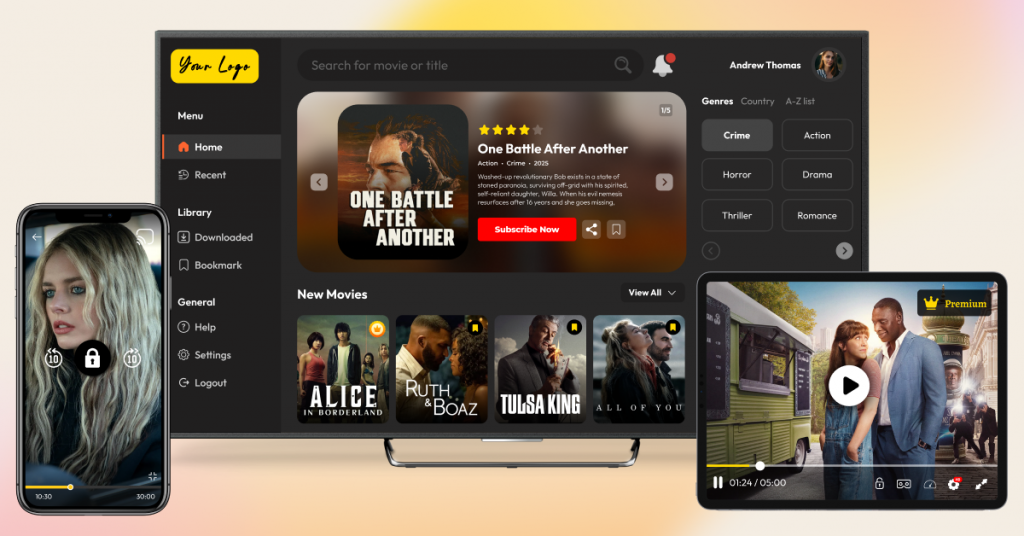
This blog will walk you through a comparison of 11 best video streaming app builders and their features. The blog also gives insights into the pros and cons of each platform, their pricing plans, and use-case-based suggestions.
Video streaming app builders have made launching a custom platform for content owners and media companies easier than ever. It has allowed them to break free from strict broadcast schedules and costly cable TV bundles.
Consumers also prefer flexible, on-demand streaming over rigid channel packages. The market reflects this shift. The global video streaming service market is projected to reach $416.84 billion by 2030, according to Grand View Research. This surge has prompted creators, media outlets, and educators to launch their own video streaming apps.
But finding a suitable video streaming app builder is not easy since each one differs in monetization options and scalability. This blog makes the choice easier by identifying platforms based on features, usage, and validated reviews (such as those from G2 and Capterra).
- Fully Customizable
- Lifetime Ownership
- On-Premise/On-Cloud
- 100% White-label
- Zero Revenue Share
- Hire Developers
What is a Video Streaming App Builder?
A video streaming app builder is a no- or low-code app platform that allows you to build and publish your own video streaming app without having to write much code.
These builders offer a comprehensive software development kit (SDK), ready-made templates, and an easy-to-use user interface so you can tailor your design without any hassle. They can easily offer you everything from video hosting to worldwide content delivery, so the creation of your application is quick, budget-friendly, and incredibly efficient.
Before evaluating the top video streaming app builders, explore the steps to create a video streaming app with complete details.
Best Video Streaming App Builders – Comparison Table
| Platform | Pricing | White-label | Supported platforms | Best for |
| VPlayed | Custom pricing(One-time license) | Complete white-label capability | Web, iOS, Android, Smart TV (Fire TV, Apple TV, Android TV) | Media, broadcast, fitness, sports, eLearning, & filmmakers |
| FastPix | Pay-as-you-go (usage-based per minute) | API-level (Developer focus) | Web, iOS, Android | Product teams & developers integrating scalable, custom video infrastructure via APIs |
| Dacast | Plans start from $39/month | Full white-label | Web, iOS, Android, Smart TV | Broadcasters, sports leagues, churches, & event organizers |
| Muvi | Standard $399/month | Full white-label | Web, iOS, Android, Smart TV (Roku, Fire TV, Apple TV, Android TV) | Media brands launching no-code, Netflix-style OTT apps |
| Brightcove | Custom pricing | Full white-label | Web, iOS, Android, Smart TV | Enterprise media organizations, marketing teams, & corporate messaging |
| IBM Cloud Video | From $154/month | No | Web & mobile | Large enterprises, institutions, government bodies, internal broadcasts |
| Wowza | Custom pricing | Partial: API + SDK | Web, Mobile, IoT devices | Engineering teams needing customizable low-latency live streaming infrastructure |
| Uscreen | Starts at $49/month | Full white-label | Web, iOS, Android, TV apps | Fitness instructors, educators & creators building subscription-based communities |
| Vimeo OTT | $1/subscriber + transaction fees | Full white-label (enterprise plan only) | Web, iOS, Android, TV | Independent filmmakers & creators looking for a quick streaming setup |
| Kaltura | Custom pricing | Full white-label | Web, iOS, Android, Smart TV, LMS integrations (Canvas, Moodle) | Higher education institutions & enterprises needing open, interactive video integrations |
| Panopto | Custom pricing | Partial | Web, mobile apps | Universities, corporate organizations managing lecture capture & training |
How We Picked the App Builders?
We evaluated each app builder based on these critical factors:
- Ease of Use:- App builders that simplified the streaming setup process without technical dependency scored higher in our list. Such app builders enable faster launch and audience growth.
- Flexibility:- Builders that allow businesses to modify workflows and expand features scored higher. Such app builders also excel in scalability and third-party integrations.
- App Deployment:- We looked at how efficiently each app builder supports deployment across web, mobile, and smart TV environments.
- Security & Content Protection:- We do not want to miss out on such a critical factor, as we assessed how each app builder safeguards premium content from unauthorized sharing, downloads, and piracy.
After signing up for a free trial with each platform, we attempted to set up the app builder, add features, and create a simple dashboard. We tinkered a lot, and whenever we got stuck, we sought assistance from the support team. While not every app builder’s technical support was responsive, some of ‘em cared more than enough. During unresponsive instances, we looked around for a solution in forum threads or community discussions.
- VPlayed: 100% customizable, white-label OTT apps with no revenue sharing
- FastPix: API-first framework to build video workflows and built-in AI capabilities
- Dacast:Cloud-based platform with integrated paywalls and multi-streaming support
- Muvi: Rapid launch with no-code, mobile-first video and audio streaming apps
- Brightcove: Enterprise-grade hosting and seamless deep marketing studio integrations
- IBM Cloud Media: AI-driven media search and multi-cloud delivery for enterprise broadcasts and virtual events
- Wowza: Multi-protocol support (HLS, RTMP, WebRTC) for complex streaming setups
- Uscreen: Branded membership apps with built-in community features and SVOD monetization
- Vimeo OTT:Direct-to-consumer video apps backed by reliable hosting and subscriber management
- Kaltura: Open source, interactive video ecosystem built for LMS-driven e-learning
- Panopto: Lecture capture, internal corporate training, screen recording, and deep video search indexing
Top 10 Streaming Solutions to Build a Video Streaming App
Whether you’re a content creator or a broadcaster, a fitness instructor or an educator, these handpicked video streaming app builders will bring your streaming vision to life.
Let’s explore the video streaming app builders one-by-one:
1. VPlayed
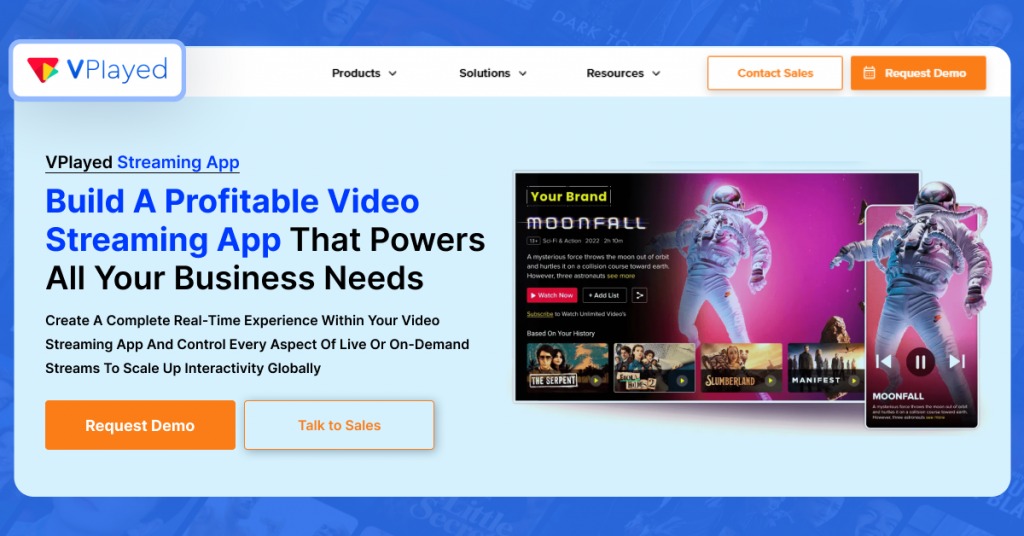
VPlayed is a powerful, fully customizable video streaming app builder suitable for a wide range of streaming needs. With a faster time-to-market as quickly as 2 days, content creators can capitalize on the market demand sooner than they think. It offers special features like a white-label OTT solution, 200+ integrations, and support for lossless platform migration, making it suitable for content creators looking to to build video streaming apps easily.
VPlayed is also featured among leading OTT solutions in independent platform comparison lists, including this OTT platform roundup.
Whether you’re creating a video streaming app, an online video app, or even a live streaming app, VPlayed can handle it. Its learning curve is low, the interface is intuitive, and the platform offers a wide range of components that let you hit the ground running.
Prominent Features of VPlayed Include
Complete platform ownership to build your brand exactly how you envision it.
10+ monetization models to convert views and engagement into a profitable income stream.
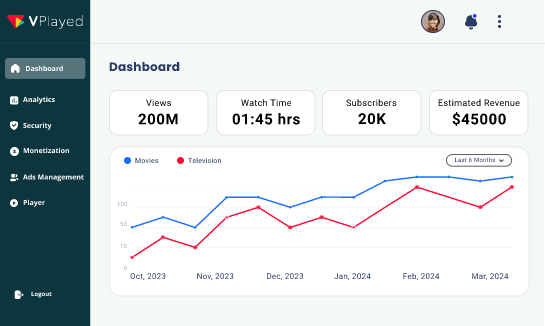
Advanced analytics dashboard to monitor viewer behavior and improve content strategy.
Organized Video CMS to upload, store, manage, and distribute video content to various channels.
Cross-platform support to reach broader audiences on web, mobile, TV, and all major devices.
Universal HTML5 video player to ensure smooth playback on any browser or device.
- Extensive OTT ecosystem
- No revenue sharing; keep 100% of your video revenue
- Reliable technical support
- Scalable solution for any streaming use case
- Read-to-launch framework for instant deployment
- Not as much down-to-the-pixel control that app builders have in general
- Undisclosed pricing might limit budget planning
- Steep learning curve
- Lack of audio streaming functionality
Pricing
VPlayed offers custom quotes for one-time licensing based on business requirements. A free demo is available.
Build Your Video Streaming App With 1000+ Features & 3x Faster
Request Demo
3,500+ happy clients

4.8/5
Start Building Your Video Streaming App
Build a video streaming app with infrastructure built for performance and scalability.
2. Fastpix
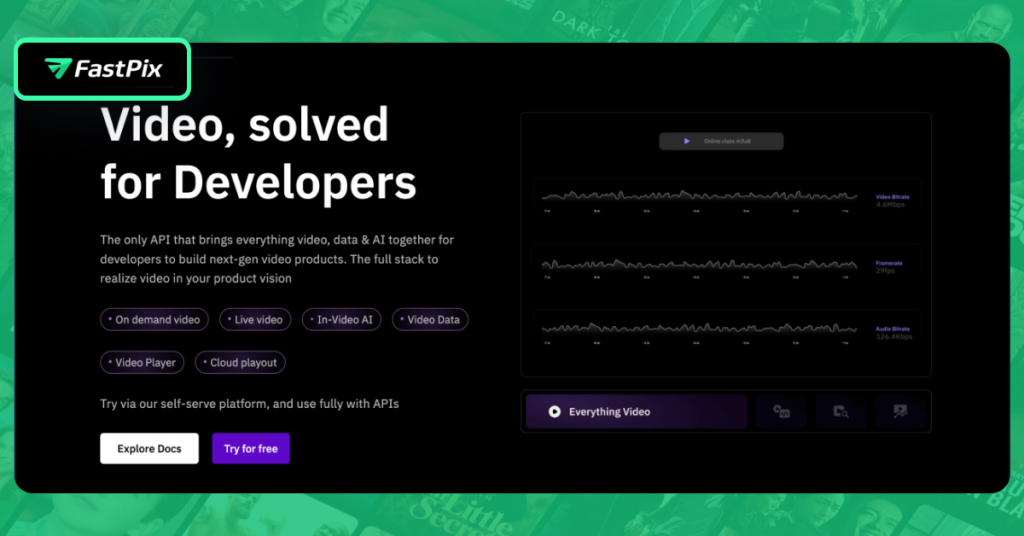
FastPix is an all-in-one video streaming app builder suitable for enterprises and businesses that want to integrate videos into their day-to-day operations.
From upload to playback, FastPix handles every stage of the workflow: content-adaptive encoding, adaptive bitrate delivery, real-time analytics, AI tagging, NSFW filtering, speech-to-text transcription, and more. It’s API-first, designed for teams that treat video as a fundamental part of their product experience.
Prominent Features of Fastpix Include
FastPix combines encoding, CDN delivery, and playback analytics in one place, so teams don’t have to stitch together multiple tools.
AI-driven capabilities automatic tagging, chaptering, NSFW filtering, and even video summarization built directly into the platform.
Adaptive HTML5 Video Player that ensures high-quality, buffer-free video-viewing experiences across network conditions and devices.
VOD libraries with automatic chapters, scene detection, and semantic search.
- Fast integration for building video features and streaming apps
- Real-time analytics and performance monitoring
- Usage-based pricing suitable for scalable deployments
- Developer-first platform with powerful video APIs
- Requires technical or developer expertise for implementation
- Not a plug-and-play OTT solution for non-technical users
- Limited built-in monetization and consumer app features
Pricing
Fastpix operates on a usage-based pricing model for video, analytics, and linear playout.
Take the First Step Toward Enterprise Streaming Platform Launch
Turn your streaming vision into a deployable product with an enterprise streaming platform solution.
3. Dacast
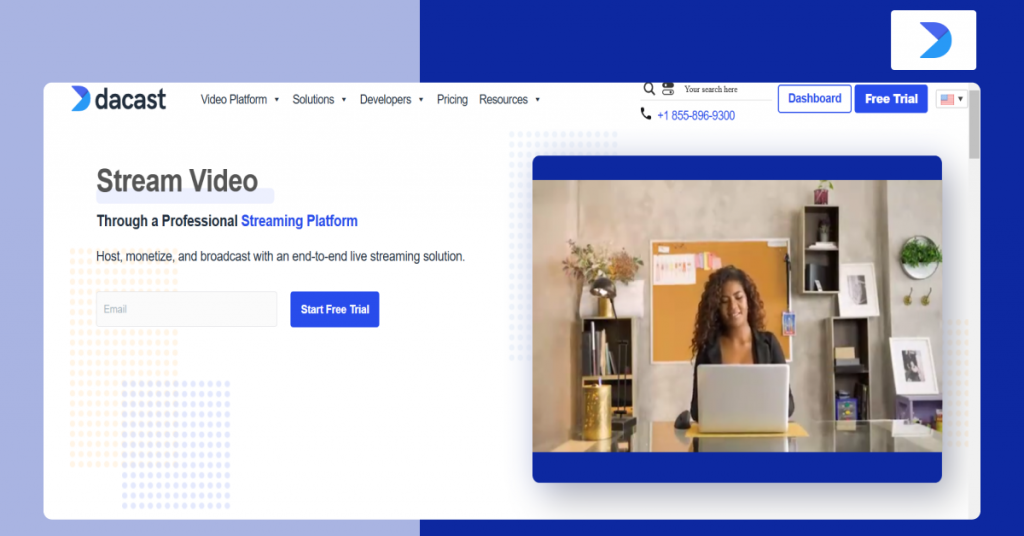
Dacast is a cloud-based video streaming app builder, allowing content creators and broadcasters to host, upload, and manage video content. With a global CDN (Content Delivery Network), Dacast provides a rapid video delivery network for businesses around the world.
It supports multiple integrations, making it suitable for content owners and broadcasters to amplify content reach and maximize engagement.
If you want a video streaming app builder that fits neatly into your content journey and lets you fine-tune the app experience without hiring a developer, this is where Dacast fits in.
Prominent Features of Dacast Include
Customizable HTML5 video player to control every visual element from branding to user interface.
Multi-streaming support to maximize live audience engagement across all your social platforms.
Advanced analytics to monitor revenue, retention rates, and viewer demographics.
Three monetization models to ensure consistent income.
- Clean, professional interface
- Robust privacy and access controls
- Drag-and-drop builder available
- Built-in paywall for pay-per-view, subscriptions, and advertisement (AVOD)
- Utilizes top-tier Content Delivery Networks (CDNs)
- Limited marketing tools
- Basic analytics, could be more comprehensive
- Lacks support for WebRTC (real-time streaming)
- Lacks video editing tools
Pricing
- Starter: $39/month
- Event: $63/month
- Scale: $165/month
- Custom plan for high-volume needs
4. Muvi
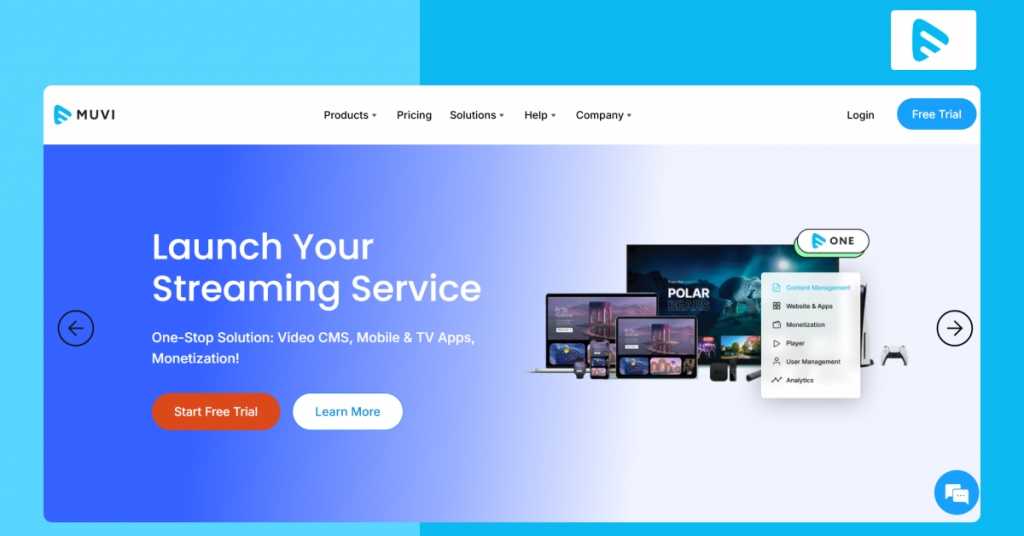
Muvi is a no-code video streaming app builder, allowing businesses and content owners to host, distribute, and monetize their content. With Muvi One, content owners get an all-in-one builder that lets them launch both video and audio streaming platforms, with end-to-end support for content management, online video monetization, and user experience.
Muvi One has the necessary tools to take control of video streaming app development, without compromising on quality. It’s not a good fit for deep logic apps, but for mobile-first experiences driven by great UI, it’s one of the most empowering builders out there.
Prominent Features of Muvi
Single, comprehensive CMS to manage all your video content.
Live streaming to engage audiences in real-time.
Detailed analytics to discover what drives viewer engagement and repeat purchases.
Digital Rights Management (DRM) to secure high-value content with industry-standard encryption protocols.
- Single, comprehensive CMS to manage all your video content
- Live streaming to engage audiences in real-time
- Detailed analytics to discover what drives viewer engagement and repeat purchases
- Digital Rights Management (DRM) to secure high-value content with industry-standard encryption protocols (AVOD)
- Platform interface may have a learning curve for new users
- Pricing can increase as platform usage scales
- Some advanced features are available only in higher-tier plans
- Advanced customization may require technical assistance
Pricing
- Custom pricing is also available
- Standard: $399/month
- Professional: $1,499/month
- Enterprise: $3,900/month
Build Your Own Video Monetization Platform
Explore a Video Monetization platform built to help businesses launch and scale their streaming services.
5. Brightcove
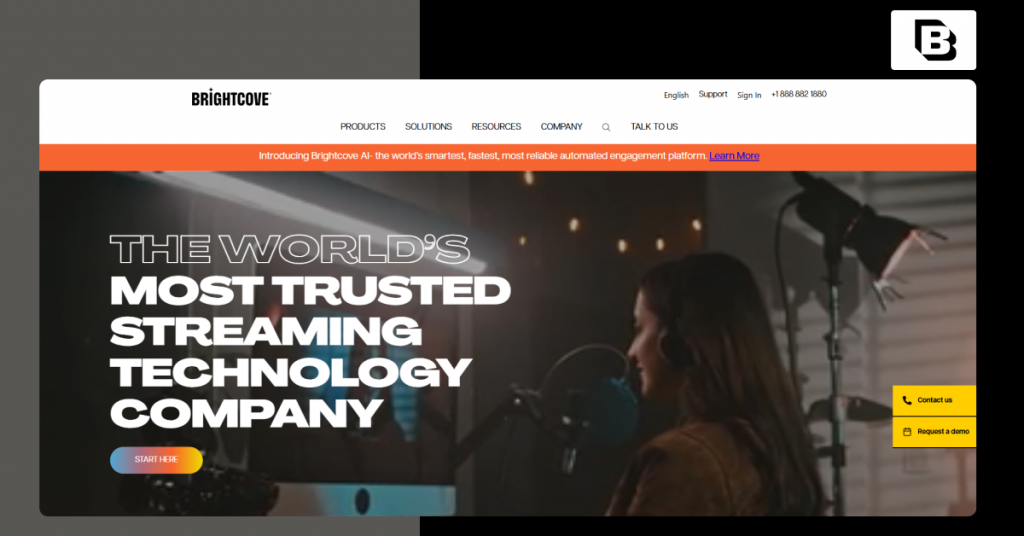
Brightcove is a scalable video streaming app builder, allowing businesses to create a streaming app and launch business-purpose streaming applications with ease. With advanced analytics, it is one of the ideal options to develop video streaming apps efficiently, as this feature also lets creators and owners in the backend have an entire eagle-eye view of how their content is faring across countries.
Prominent Features of Brightcove
Detailed analytics to gain deep insights into audience engagement and monetization opportunities.
Cross-platform HTML5 video player to provide reliable streaming experiences.
Built-in Marketing Studio to boost discoverability with powerful marketing tools.
Robust CDN to eliminate buffering issues and provide professional streaming experiences anywhere.
- Drag-and-drop Interface
- Highly customizable workflows for large organizations
- Advanced analytics and integration with marketing tools
- Reliable global video delivery and platform stability
- Enterprise-grade video hosting
- Pricing is not publicly disclosed and requires sales consultation
- Interface navigation can feel complex for large content libraries
- Some G2 users highlight the difficulty in pulling analytical reports
- Integration and API implementation may require technical expertise
Did you know?
According to a verified G2 reviewer, Brightcove’s content management system addressed nearly all internal content management issues right out of the box, demonstrating its strong out-of-the-box capabilities.
Souce: www.g2.com
Pricing
Brightcove’s pricing is based on business requirements. Businesses can contact their sales team for a custom quote.
6. IBM Cloud Media
IBM Cloud Media is known for its speed and efficiency while developing video streaming apps at an enterprise level. IBM Cloud serves a wide range of industries, including corporate communications, media, entertainment, healthcare, and virtual events, with the best streaming features. Most importantly, the app builder integrates AI in OTT to enhance media content delivery, video quality, and caption management.
IBM Cloud Media is one of the most advanced video streaming app builders on the market today. It gives technical users serious firepower, while AI helps speed up complex app logic. If you want full control and need something scalable, then this is your option for video streaming application development.
Prominent Features of IBM Cloud Media
Robust security protocols to protect your content, user data, and revenue.
Cloud backup to eliminate data loss risks with automated backups.
Deep video search to help viewers instantly find specific content within your video library.
Hybrid and multi cloud playout capabilities to ensure maximum uptime.
- Suitable for virtual events, town halls, and enterprise broadcasts
- Reliable global delivery using multi-CDN architecture
- Scalable platform capable of supporting large live audiences
- Strong security and privacy controls for corporate communications
- Pricing can be expensive for smaller organizations
- Some G2 users report limitations in interaction tools for high-engagement streaming scenarios
- Limited customization for OTT or consumer-facing apps
- Advanced configurations may require technical expertise
Pricing
- Silver: $154/month
- Gold: $773/month
- Platinum: $1,550/month
- Custom plan is also available
7. WOWZA
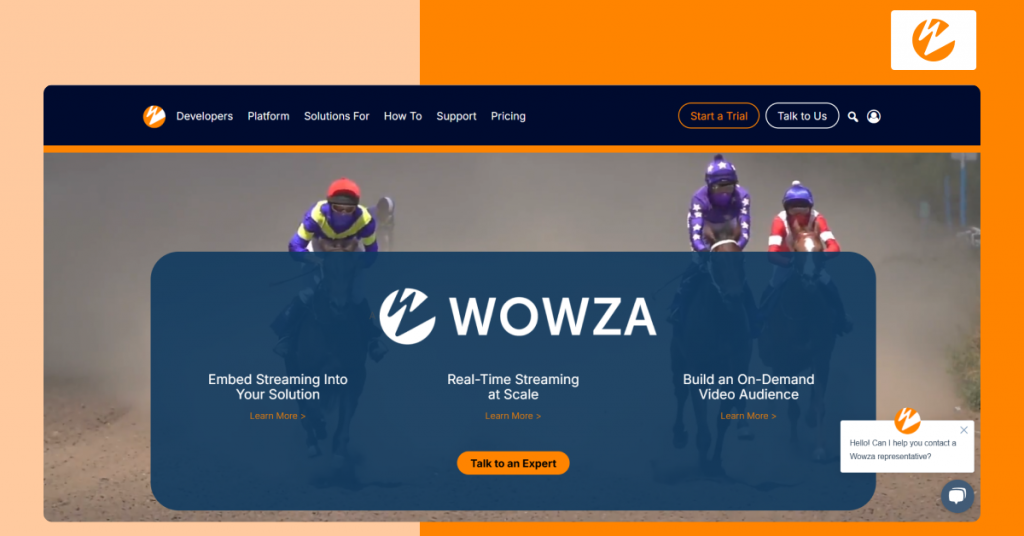
WOWZA is a versatile video streaming app builder, allowing organizations to build video streaming apps with so much finesse and precision. It is SOC-2 certified and provides optimal user engagement and revenue generation tools to make money with videos.
It’s not for hobby projects or prototypes, but for content owners and broadcasters who want to develop video streaming apps something serious without hiring a full development team. WOWZA acts like your end-to-end video streaming app builder and tech partner.
Major Benefits of WOWZA Include
Multi-protocol support to guarantee smooth delivery across all major streaming standards and platforms.
High-degree of customization to create a branded streaming experience.
Robust analytics to make data-driven decisions with detailed insights.
API integrations to enhance your platform with powerful extensions.
- Flexible deployment options (cloud, on-premise, or hybrid)
- Supports multiple streaming protocols (HLS, RTMP, WebRTC, DASH)
- Extensive APIs and developer tools for custom workflows
- Suitable for complex and infrastructure-level streaming setups
- Pricing may be expensive for smaller deployments
- Requires technical expertise for advanced customization
- Interface feels a bit dated than other builders in this list
- Steeper learning curve for non-technical teams
Pricing
- Streaming Cloud One Month: $149 (one-time purchase)
- Streaming Cloud Pay As You Go: $0 upfront (usage-based at $2.50/streaming hour and $0.10/viewer hour)
- Streaming Engine One Month: $295 (one-time purchase)
- Streaming Engine Basic Monthly: $195/month
- Enterprise: Custom pricing
8. Uscreen
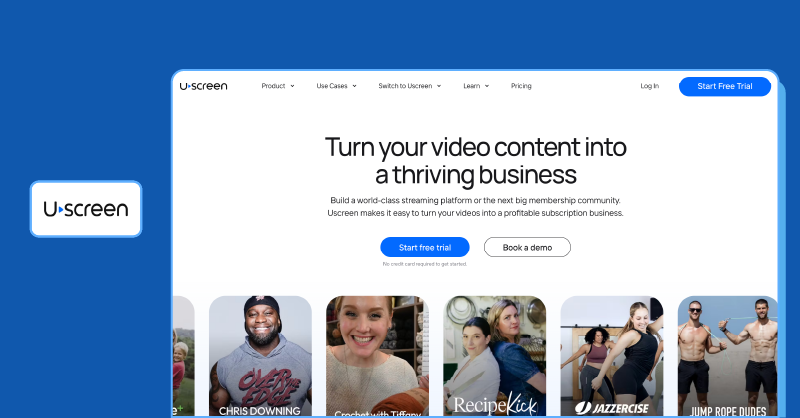
Uscreen is a powerful video streaming app builder that allows content creators and broadcasters to build customizable video-on-demand applications and native apps. With Uscreen, content creators can set up their application easily, make money with videos, and support multiple integrations.
Uscreen is used to build video streaming apps for video hosting, video monetization, and membership platforms. If you want to develop a video streaming app with user management, live streaming support, content delivery, and advanced triggers, Uscreen gives you the tools to make it happen.
Unique Benefits Offered By Uscreen
Reach your audience anywhere with a universally compatible HTML5 player.
Turn passive viewers into active members with built-in community interaction tools.
Match your platform’s look and feel with fully customizable themes.
Simplify outreach and engagement with integrated marketing tools.
- Easy-to-use platform with minimal technical setup
- Built specifically for subscription-based video businesses
- White-label apps across mobile and smart TV devices
- Reliable streaming quality and viewer experience
- App setup and publishing process can be time-consuming
- Some integrations may require third-party tools
- Limited customization options compared to other builders in this list
- Not greatly optimized for search engine (SEO) visibility
Pricing
- Starter: $49/month
- Growth: $149/month
- App essentials: $449/month
- Custom pricing is also available
Build Your live Streaming Platform With the Right Technology
Start building your Live Streaming Solution with technology designed for secure streaming and monetization.
9. Vimeo OTT
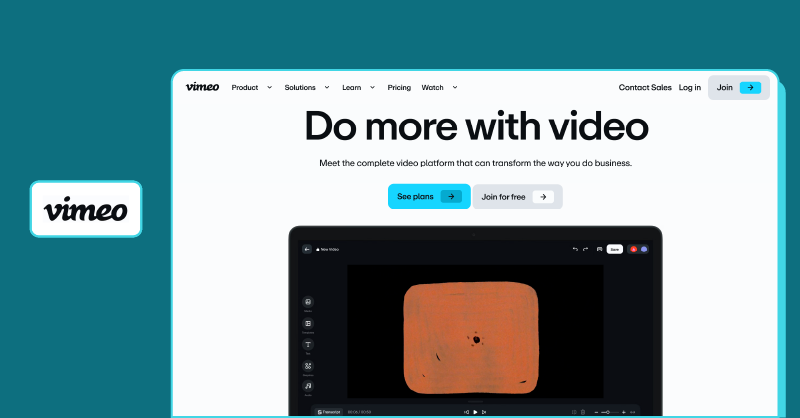
Vimeo OTT is a white-label video streaming app builder with endless customizations and necessary tools to manage, promote, and monetize the video content.
The platform promotes complete data ownership with a centralized dashboard, from where the content creators can access subscriber and audience data.
It enables content owners to create a movie streaming app easily, making it one of the most accessible video streaming app builders for those who want to launch their streaming services. It is known for its high video hosting quality, catering to both small-scale creators and large enterprises.
Noteworthy Features of Vimeo OTT Include
Unlimited Customization options to take complete creative controls over your app’s design.
Turn passive viewers into active members with built-in community interaction tools.
Match your platform’s look and feel with fully customizable themes.
Simplify outreach and engagement with integrated marketing tools.
- Majority of G2 users highlight Vimeo’s ease-of-use while building their own apps, sharing videos, and integration options.
- Strong video management and hosting capabilities
- Suitable for creators launching direct-to-consumer platforms
- Built-in SVOD and pay-per-view monetization tools
- Subscription cost can spiral up based on usage
- Advanced features often require higher-tier plans
- Limited customization options when compared to other options
- Platform flexibility may be restricted for complex workflows
Pricing
- Starter: $1/subscriber/month (SVOD) + transaction/processing fees
- Enterprise: Custom pricing (unlocks white-label apps & live streaming)
10. Kaltura
Kaltura is an excellent option, especially for educational institutions looking to build a comprehensive streaming application. Its ability to support interactive streaming content makes it an ideal choice for educators, who are looking to enrich virtual learning experience for students.
If your video content relies on interactive engagement, Kaltura is one of the best platforms. It’s more enterprise-focused than some others on this list, but for operations-heavy teams, it delivers exactly what’s needed: control, structure, and scalability for video streaming app development.
Noteworthy Features of Vimeo OTT Include
Reach your audience anywhere with seamless multi-platform support.
Turn ideas into engaging videos effortlessly with a rich editing toolkit.
Streamline e-learning delivery with powerful LMS integration tools.
Deliver smooth, high-quality playback without plugins using an HTML5 video player.
- Highly customizable and API-driven video platform
- Supports live streaming, VOD, and virtual learning environments
- Scalable infrastructure suitable for large organizations
- Robust video management and content control capabilities
- Widely adopted across education and enterprise environments
- Pricing is not publicly disclosed and requires consultation
- Video editing and collaboration features are relatively basic
- Interface and backend settings can feel overwhelming for new users
- Initial setup and configuration can be technically complex
Pricing
Kaltura offers 9 custom-quoted plans based on business requirements.
Did you know?
As reported by a verified user on G2, Kaltura’s integrations with Blackboard, Canvas, and Zoom run seamlessly and remain highly stable, highlighting its robust integration capabilities.
Souce: www.g2.com
Build the Educational Streaming Platform Your Audience Needs
Ready to build your own Education streaming platform? Explore a solution built for faster deployment and scalability.
11. Panopto
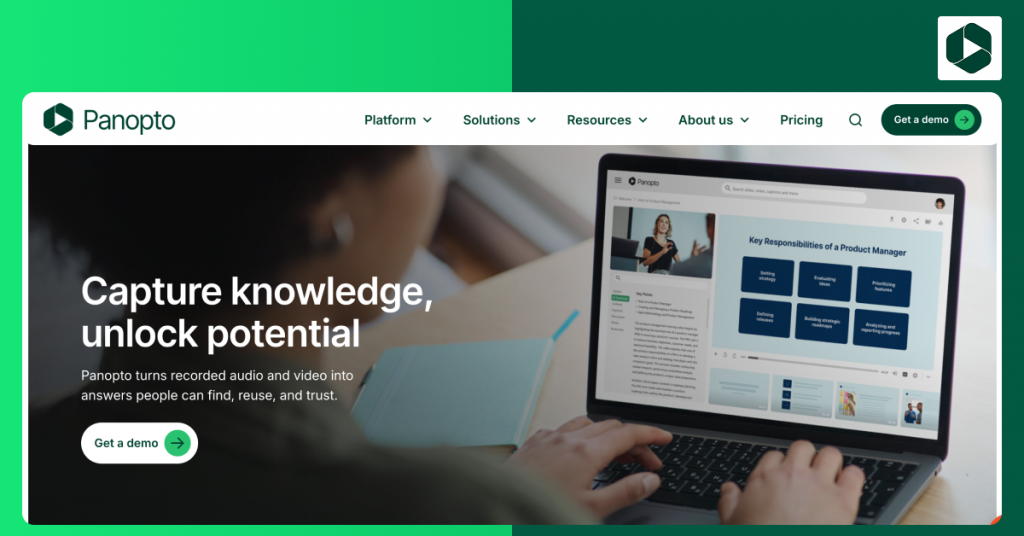
The last on our list is Panopto, a comprehensive streaming app builder designed for recording, hosting, and sharing lectures and webinars. The app offers functionalities like video recording and editing, live streaming, content management, and detailed video analytics.
What really makes Panopto stand out is its built-in monetization. It includes native support for interstitial ads, banner placements, and reward ads, making it a favorite for creators who want to earn revenue through ad-based models.
Noteworthy Features of Vimeo OTT Include
Simplify training and education with hassle-free LMS integration.
Simplify training and collaboration with one-click screen casting.
Gain deep insights into viewer behavior with detailed analytics.
Deliver fast, reliable streaming across browsers with an HTML5 Video player.
- Strong integration with LMS platforms and enterprise systems
- Powerful video search, transcription, and indexing capabilities
- Scalable solution for education and corporate training use cases
- Helpful customer support and onboarding experience
- Interface design may feel dated compared to other builders
- Video uploading and processing can feel slow at times
- Monetization and OTT features are limited
- Pricing details are not publicly disclosed
Pricing
Panopto offers custom pricing based on the organization’s needs. Businesses can contact their team for a custom quote.
Which Video Streaming App Builder Should You Choose?
| Industry | Key Requirements | Recommended Video Streaming App Builders |
| Education Streaming | LMS integrations, private streaming, engagement analytics | Kaltura, Panopto, VPlayed |
| Fitness Streaming | SVOD tools, mobile + Smart TV apps, community features | VPlayed, Uscreen, Vimeo OTT, Muvi |
| Sports Streaming | Ultra-low latency live streaming, pay-per-view (PPV streaming service), global CDN | VPlayed, Wowza, Dacast |
| Enterprise / Corporate | Single sign-on (SSO) security, live events, advanced analytics | Brightcove, IBM Cloud Media, Kaltura, VPlayed |
| Media & OTT Streaming | Multi-device apps (Smart TV/Mobile), monetization, video CMS | VPlayed, Brightcove, Muvi |
How to Build a Video Streaming App in 2026?
Beyond choosing the right video streaming app builder, developing a video streaming app requires careful planning and execution. Let us break down how do it the right way, in the following steps:
Step 1: Know Your Audience
This phase is where you need to invest a lot of time and effort. For content creators, you may already have a pre-built community with a like-minded audience. You’ll need to ensure their streaming preferences are heard.
You need to explore the content release schedules they prefer, the devices they usually stream, and the platform preferences.
Step 2: Secure Content Rights
Ensure you acquire proper content rights to upload, monetize, and reproduce the content on your video streaming app. This way, you can avoid any copyright lawsuits and legal disputes potentially tarnishing your brand image.
Step 3: Prioritize Content Security
Integrate robust security protocols and tools like digital rights management (DRM), geo-fencing, and dynamic watermarking into video streaming app development to protect your content from unauthorized access, illegal distribution, etc.
These security measures must be an integral part of your streaming application, no matter what. Consistent review of these security measures ensures you don’t lose any revenue and brand reputation.
Ready to take the next step? Check how to develop and launch a secure DRM platform.
Step 4: Pick the Right Monetization Model
This phase decides how you make money with videos in your video streaming app development journey. There are multiple video monetization models, from subscriptions to pay per view, advertisements to donations, and more.
Consider the substance of your content library before picking the right monetization model. For example, if you offer live educational content like marketing masterclass, you can deploy the pay-per-view model and let the viewers access the masterclass session by paying a one-time fee.
Step 5: Develop Your Streaming Application
It’s time to put the video streaming app builder to use. Focus on building a streaming app that is intuitive and easy to use. Consider integrating a reliable, global CDN for optimized content delivery, robust security protocols like multi-DRM, geo-blocking, and AES encryption for content security.
Test your video streaming app before launching. Seek the help of beta testers to gather feedback, and indulge in continual improvement before the final call.
Create a Netflix-Like OTT Streaming Website
Learn how to create a video streaming website with subscription management, video hosting, content recommendations, and multi-device support.
Benefits of Using a Streaming App Builder
A streaming app builder enables you to launch customized and branded apps rapidly and at a reasonable cost across various platforms. Here are some of the advantages:
- Faster Time-to-Market & Cost Savings: Drag-and-drop interfaces and out-of-the-box infrastructure let you save on hiring developers. You can launch in days and save a lot of money.
- Multi-Platform Deployment: Deploy your app across multiple platforms from a single dashboard.
- Direct Audience Ownership: You don’t need to rely on low-paying or advertiser-controlled platforms. Your audience, your data, and your brand are all yours.
- Monetization & Security: Add paywalls seamlessly to help monetize subscription or video rental offerings to generate consistent revenue. Plus, it has built-in DRM features to prevent video piracy and ensure your videos remain secure.
- Scalability & Analytics: See which parts of the video are being watched and which are not, ensuring that you are able to view exactly what your viewers love, and track where they drop off. Also, the system can scale to thousands of viewers without crashing.
What are the Must Have Features of A Video Streaming App
Now that you have seen the top app builders and the development process, it’s time to know what completes a video streaming application.
Here are the must-have features of a video streaming app:
- Adaptive Bitrate Streaming:- Helps video streaming apps offer the best possible streaming experience to the viewers while providing uninterrupted playback without buffering.
- Multi-device Support:- Allows users to stream content on multiple devices like tablets, desktops, mobile phones, and smart TVs with real-time sync. This ensures flexibility of watching content anytime, from anywhere, and on any device.
- Profile Management::- Allows users to seamlessly create, edit, and manage user information within a single account. Users can customize certain profiles within an account; for example, customizing a ‘Kid’s Profile’ can introduce content restrictions, specifically for children.
- Download & Watch Offline:- Enables users to download and save their favorite movies, TV shows, and any content to the device’s storage. It acts as a redeeming feature for those who couldn’t access a stable, stream-worthy internet connection.
- Download & Watch Offline:- Enables users to download and save their favorite movies, TV shows, and any content to the device’s storage. It acts as a redeeming feature for those who couldn’t access a stable, stream-worthy internet connection.
- Payment Options:- Offers users a wide variety of payment options, from PayPal to credit/debit cards, wallets to net banking, and even gift cards. This ensures flexibility in payment options, which can increase user engagement.
- Secure Login:- Bestows trust in your video streaming app with a range of secure measures such as two-factor authentication (2FA), device recognition, and so on. This helps content owners safeguard the integrity of their intellectual property.
- Request Demo Book a Live, Personalized Demo
- Contact Sales Reach Out to Our OTT Experts
✅Conclusion
Video streaming app builders have revolutionized the way content creators and broadcasters build and launch video streaming apps. From providing tools that simplify your efforts to features that amplify streaming experiences, these app builders have every base covered.
While all the streaming app builders reviewed in this blog offer exceptional features, choosing your go-to app builder is crucial. For this reason, we’ve included the video streaming application development process and must-have features section in this blog to help simplify your app builder selection.
The video streaming app builders discussed in this blog accelerate your development process. VPlayed, for example, allows content creators and broadcasters to set up their application as quickly as possible.

Senior Analyst specializing in Online video platforms, OTT, VOD, and white label video streaming solutions. Expert in analyzing industry trends, technologies, and monetization strategies to help businesses optimize their streaming services. Passionate about innovation and the evolving digital video landscape.